There’s a quiet revolution happening in the world of Android handhelds. The days of juggling half-baked emulators and cluttered launchers are over — replaced by sleek, console-like interfaces that make gaming on the go feel seamless. At the heart of this new wave are two standout contenders: BeaconGameLauncher and Emulation Station Desktop Edition (ES-DE). Both promise to turn your Android device into a retro powerhouse, but their approaches couldn’t be more different.
Beacon is the minimalist’s dream — clean, fluid, and purpose-built for speed. ES-DE, meanwhile, is a customization titan, dripping with nostalgia and flexibility for those who love to tweak every pixel. Choosing between them isn’t easy. It’s a clash between modern simplicity and retro tradition — between streamlined ease and feature-rich depth. So, which one truly earns a spot as the ultimate Android emulator frontend?
What Are Android Emulator Frontends?
Before diving into the showdown between Beacon Game Launcher and ES-DE, it helps to understand what emulator frontends actually are — the unsung heroes of retro gaming organization. Think of them as the elegant control centers that bring order to the chaos of emulation. Instead of fumbling through dozens of emulator apps and directories, a frontend wraps everything in a polished, unified interface — a virtual “hub” that feels more like a console dashboard than a patchwork of apps.
At its core, an Android emulator frontend is a graphical user interface (GUI) built to simplify your digital library. It doesn’t emulate the games itself — rather, it connects all your emulators, ROMs, and artwork into one beautifully cohesive space. The result? Instant access to your favorite classics, sleek menus, and a curated gaming experience that feels as intentional as any official console UI. You pick a game, tap play, and it quietly launches the correct emulator for you — no extra steps, no fiddling with settings.
It’s a lot like having a universal remote for your retro collection. The frontend organizes every ROM, box art, and save file into one tidy interface, giving you the freedom to focus on what matters: actually playing. Most frontends can even scrape metadata from online databases, automatically pulling in cover art, release dates, and developer info to make your library look like something out of a digital museum.
In short, frontends turn your Android device into an all-in-one gaming console. Everything — from loading to launching — feels streamlined, smooth, and deeply satisfying.
Meet Emulation Station Desktop Edition (ES-DE)
Emulation Station Desktop Edition — better known as ES-DE — has been a cornerstone of the emulation community for years. From desktop PCs to Raspberry Pi builds, it’s the go-to frontend for players who love a rich, nostalgic interface with endless customization. Now, that same beloved experience has made its way to Android, carrying all the polish and personality that made it a favorite among retro enthusiasts.
ES-DE is a dream come true for anyone who loves to tinker and personalize every inch of their setup. Want your menu to echo the golden age of arcades? There’s a theme for that. Prefer something clean and futuristic, like a PlayStation 5 interface? Easy. ES-DE’s theming system is modular and endlessly versatile, allowing you to adjust fonts, animations, overlays, and even transition effects until your launcher feels uniquely yours.
ES-DE doesn’t play favorites — it plays everything. Whether you’re running classics through RetroArch, launching Dreamcast gems via Reicast, or tackling PS2 heavyweights in AetherSX2, ES-DE seamlessly connects them all under one roof. It’s designed to recognize nearly every major Android emulator, automatically detecting your installs and letting you jump straight into your games with minimal setup.
One of its standout features is the ability to assign different emulators per game. Want Super Mario World to open in SNES9x but Chrono Trigger in RetroArch? No problem. ES-DE gives you that granular control, ensuring every title runs in the optimal environment.
This flexibility is a major win for purists and power users alike. It transforms your Android device into a truly universal gaming hub — one that adapts to your preferences instead of forcing a one-size-fits-all experience.
Here’s where ES-DE shows its age a little. Despite its impressive visuals and deep customization, it still struggles to feel fully at home on Android — especially for those using handhelds or tablets. The most noticeable drawback? No native touchscreen support. Navigating menus or selecting games requires a physical controller or external input, which can make casual, on-the-go sessions a bit clunky.
Another sticking point is that ES-DE can’t currently be set as your Android home launcher. That means you can’t simply boot into it when powering on your device, unlike Beacon or other native Android frontends. If you want that true “console boot-up” experience, you’ll need to rely on third-party apps or workarounds to replicate it.
While ES-DE delivers a polished interface once it’s up and running, getting there can take a bit of patience. Unlike Android-native launchers, it’s less forgiving when it comes to your personal folder structure. If your ROMs are scattered across multiple directories or named inconsistently, expect to spend some time tidying things up before everything displays correctly.
This rigidity stems from ES-DE’s desktop roots — it expects a very specific file organization and metadata format. That means a bit of manual work to get your collection looking its best. You might find yourself renaming files, reshuffling folders, or re-scraping artwork before your library feels cohesive.
For power users and enthusiasts, these are small hurdles. But for players seeking seamless, pick-up-and-play convenience, these limitations make ES-DE feel just a step shy of the effortless polish that Beacon delivers out of the box.
Despite its quirks, ES-DE continues to command deep respect from the retro community — and it’s easy to see why. This frontend has a storied legacy built on years of refinement, customization, and community passion. For purists who grew up modding Raspberry Pis or curating expansive ROM collections on PC, ES-DE feels like home.
Meet Beacon: The New Kid on the Block
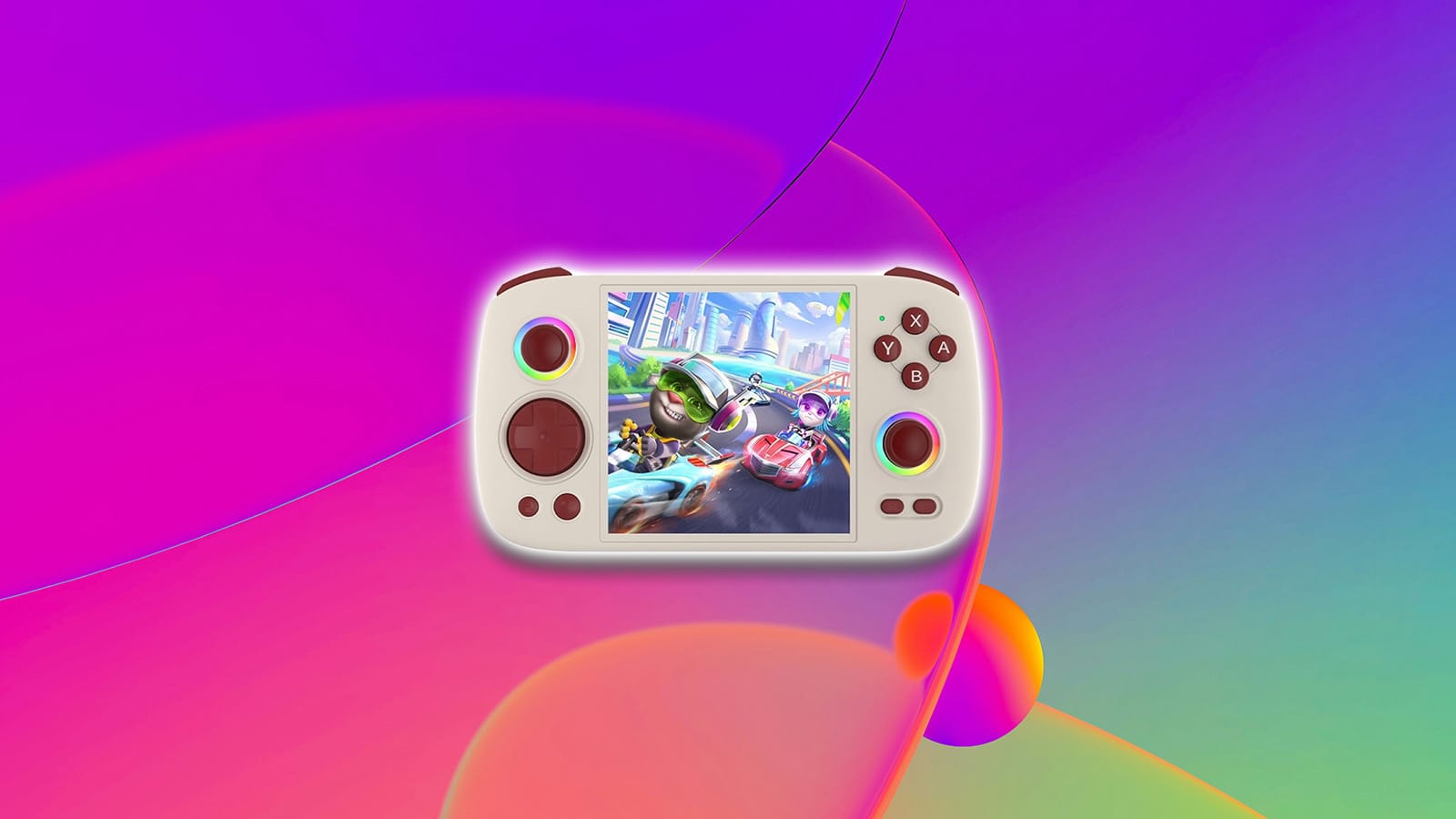
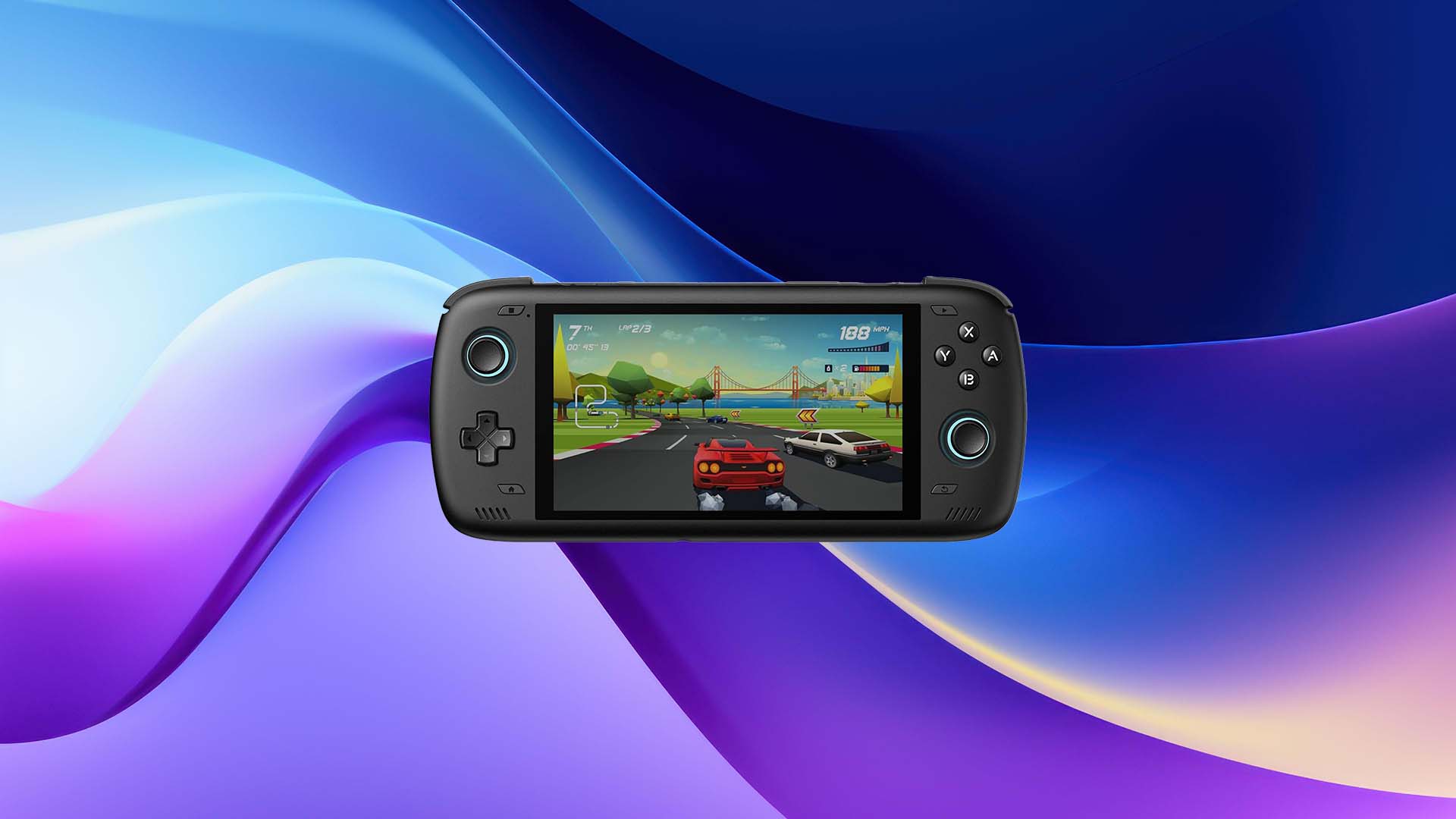
Beacon Game Launcher isn’t trying to reinvent the wheel — it’s trying to make it smoother. Designed with handhelds like the Retroid Pocket 5 in mind, Beacon embraces minimalism without sacrificing performance. It’s a frontend built for players who want to jump straight into their games without sifting through endless menus or system configurations. Every tap feels intentional, every transition seamless.
Where many launchers drown in clutter, Beacon thrives on restraint. Its interface is clean and intuitive, echoing the simplicity of a modern console UI while still feeling distinctly Android at heart. Setup is refreshingly fast, requiring little more than a directory scan before your library springs to life. And once it’s running, you can glide between titles with ease — no lag, no fuss, just pure gaming flow.
This isn’t a launcher designed for tinkerers or theme obsessives. It’s for those who crave fluidity, focus, and functionality — a frontend that simply gets out of the way and lets your games shine.
Beacon’s greatest strength lies in its restraint. No widgets, no unnecessary animations, no labyrinth of menus — just a clean, streamlined launcher that feels effortlessly modern. The interface borrows the best ideas from contemporary console dashboards, offering a crisp presentation that looks right at home on any Android handheld.
Setup takes minutes, not hours. Point Beacon toward your game folders, and it automatically populates your library with cover art and metadata. There’s no need to wrestle with config files or external tools — it just works. Everything about Beacon feels deliberate and efficient, from its fluid scrolling to its lightweight performance.
It’s the kind of frontend that respects your time. Power it up, tap your game, and you’re playing within seconds — no loading screens, no visual noise, just a beautifully focused experience that gets straight to the fun.
Whether you’re booting up Sudachi for a round of Mario Kart 8 Deluxe or diving into Vita3K for a crisp handheld run of Marvel vs. Capcom 3, Beacon handles it all with poise. Its compatibility stretches across the full spectrum of Android emulators, from classic mainstays like RetroArch and PPSSPP to modern heavy-hitters tackling newer hardware.
This breadth of support makes Beacon feel future-proof. As new emulators hit the scene, updates roll out swiftly, keeping everything stable and snappy. There’s no need to worry about mismatched versions or broken links — Beacon speaks the universal language of emulation. It’s fast, flexible, and remarkably well-tuned for the evolving landscape of Android gaming.
Beacon doesn’t drown you in menus or endless theme options — and that’s exactly its charm. Instead, it offers just enough personalization to make your setup feel yours without overwhelming you with sliders and toggles. You can pick a wallpaper that matches your vibe, flip between a sleek light or moody dark mode, and sprinkle in a few accent colors for flair. It’s customization that feels intentional, not indulgent.
The minimalist approach extends beyond aesthetics. Everything is designed to stay consistent and visually cohesive, no matter how you tweak it. The result is an interface that feels calm and uncluttered — a space that celebrates your games rather than competes with them. Beacon gives you freedom within focus, proving that sometimes, less truly is more.
Navigation feels instant — your library unfolds as clean rows of tiles or sleek grids, depending on your preference. Each game cover pops with crisp artwork, giving your collection that console-quality presentation that feels alive in your hands.
The built-in box art scraper pulls visuals and metadata directly from multiple online sources, automatically filling out your library with titles, artwork, and details. While it’s not quite as exhaustive or hyper-detailed as Daijisho’s scraping engine, it’s more than enough to give your setup that professional, curated look.
What makes Beacon shine is how natural it feels to use. Every menu transition, every icon placement feels deliberate. It’s smooth without being sterile, stylish without being distracting. The launcher embraces the simplicity of a console-like home screen, yet it still retains Android’s flexibility under the hood.
This hybrid design gives Beacon an undeniable sense of flow. You’re not just managing files — you’re curating a digital gaming shelf that feels purpose-built and alive. It’s the best of both worlds: Android’s openness fused with console-grade cohesion.
When two emulator frontends go head-to-head, it’s not just about style — it’s about philosophy. Both Beacon and ES-DE can transform your handheld into a personalized console experience — but which one truly earns the top spot? Let’s break down the battle between new-school speed and old-school charm.
Ease of Setup and Everyday Use
When it comes to getting started, the difference between these two frontends becomes crystal clear. Beacon is all about simplicity — install, scan your folders, scrape artwork, and you’re basically done. It’s fast, painless, and built for those who want zero friction between unboxing a handheld and diving straight into Metal Slug. Everyday use feels equally breezy: intuitive navigation, smooth scrolling, and absolutely no guesswork.
ES-DE, on the other hand, asks for a little more commitment. The initial setup is more involved, requiring stricter folder organization and manual tweaking before everything falls into place. Once configured, it’s a powerhouse — but its steeper learning curve means it’s aimed squarely at enthusiasts rather than casual players.
In day-to-day use, Beacon feels like gliding. ES-DE feels like driving a finely tuned custom machine — incredible once dialed in, but not without a few early speed bumps.
Verdict: Beacon
Customization and Aesthetics
Beacon embraces a minimalist design philosophy — clean menus, simple themes, and just enough customization to let you make the interface feel personal. Light mode or dark mode, a few accent colors, and a backdrop of your choice — that’s the vibe. It’s curated, calm, and designed to keep the spotlight squarely on your games.
ES-DE takes the opposite approach, offering a treasure trove of themes, layouts, animations, and visual flourishes. Want your UI dripping with neon arcade flair? Done. Prefer a cozy CRT-inspired throwback with scanlines and chiptune touches? Easy. ES-DE encourages experimentation and self-expression, giving you control over practically every pixel of the experience.
Verdict: ES-DE
Performance and Compatibility
Built from the ground up as an Android-native app, Beacon runs like silk on modern handhelds and smartphones. Launch times are brisk, transitions are snappy, and there’s a noticeable absence of stutter or lag when browsing large game libraries. It feels purpose-built for the platform rather than adapted to it.
ES-DE, on the other hand, carries the muscle memory of its PC past. It shines when you plug in a controller — crisp navigation, instant responsiveness, menus that feel tuned for directional inputs. But try tapping your way through the interface and you’ll hit friction fast. Buttons feel small. Gestures don’t always land. Some actions just don’t translate well without a D-pad or analog stick guiding the experience.
Verdict: Beacon
Navigation and Input Experience
Here’s where the difference becomes immediately noticeable the moment you touch the screen. Beacon feels native to Android because it is native to Android. Swiping through platforms is smooth, selecting games is intuitive, and navigating menus doesn’t require a crash course in controller layouts. It’s built for fingers first, gamepads second.
ES-DE, on the other hand, carries the muscle memory of its PC past. It shines when you plug in a controller — crisp navigation, instant responsiveness, menus that feel tuned for directional inputs. But try tapping your way through the interface, and you’ll hit friction fast. Buttons feel small. Gestures don’t always land. Some actions just don’t translate well without a D-pad or analog stick guiding the experience.
For Android handheld enthusiasts who switch between touchscreen and controller on the fly, Beacon simply fits modern play habits better. ES-DE has the heritage and hardcore credentials, but Beacon delivers that slick, handle-anything usability that makes everyday gaming feel effortless.
Verdict: Beacon
Update Frequency and Community Support
Beacon is the energetic newcomer — always improving, always iterating. Updates roll out often, polishing features, squashing bugs, and adding compatibility on a steady schedule. That pace gives users confidence that what feels good today could feel even better tomorrow. It’s a living project, actively shaped by feedback from a growing wave of Android handheld fans.
ES-DE, meanwhile, stands on the shoulders of a long-running and deeply passionate community. It has years of trust behind it, particularly among emulation veterans who love its consistency and desktop lineage. While updates arrive less frequently, each tends to be meaningful — thoughtful enhancements rather than rapid-fire tweaks. And when you need advice? Tutorials, themes, and troubleshooting wisdom are everywhere.
In short, Beacon races ahead with momentum, while ES-DE leans on experience and a fanbase that has watched it evolve across platforms. Both approaches work — they just speak to two different kinds of players.
Verdict: Tie
Final Verdict
If you want a launcher that just works, choose Beacon. Simple, elegant, and purpose-built — Beacon delivers the console-like experience Android handhelds deserve. It’s fast, finger-friendly, and provides a user experience that won’t send you spelunking through settings menus at 2 a.m. Beacon is also tuned for the newest emulators, making it a standout choice for players who prioritize convenience and modern UX over deep customization.
Both Beacon and ES-DE elevate handheld gaming beyond basic app lists, turning our devices into carefully curated game libraries that feel personal, powerful, and endlessly replayable. And as these projects evolve, so will the ways we explore our digital retro collections.
So, are you team Beacon with its clean, modern minimalism? Or does ES-DE’s retro flair and deep customization steal your heart? Drop your favorite frontend and your must-have themes in the comments below.
At HyperComboGamer, we believe great games deserve great coverage. That means no filler, no clickbait, or fanboyism—just honest, high-quality reviews, features, and guides that put gamers first. Whether you’re a lifelong enthusiast or just starting your gaming journey, you’ll find interesting gaming perspectives that will leave you fully satisfied.